

Create an Account
1. Ensure you have access to an email.
2. Download the Dynasty App from the Google Play or Apple App Stores. Click here to see instructions
3. When the app starts, select "Register" and you will be prompted to enter your email.
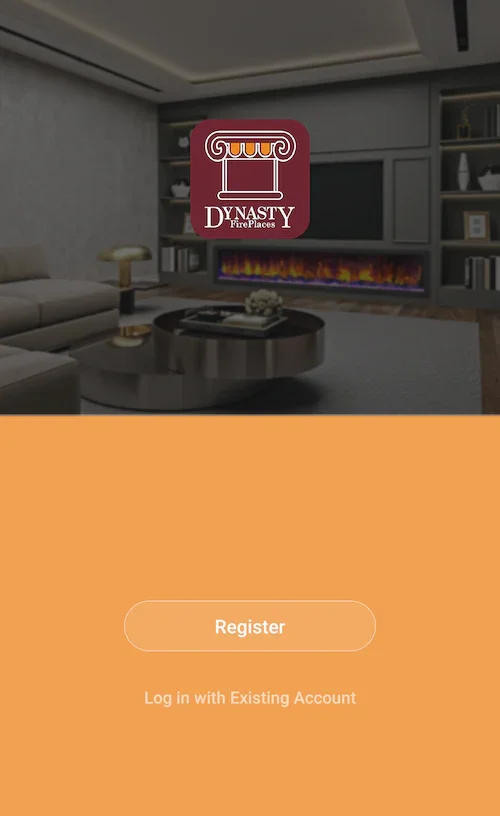
Create a profile to use the Dynasty App, and connect your fireplace for convenient controls:
4. Once you've entered your email, press "Get Verification Code" and a secure login code will be sent to your email. Enter the code back in the Dynasty App to complete registration.
Not finding what you're looking for? Contact Us Directly